

Affiliate Disclosure: This post contains affiliate links, which means I may earn a commission if you make a purchase through links on this site, at no extra cost to you. As an Amazon Associate I earn from qualifying purchases.
If you push affiliate links from your bio, the bio link tool you’re using is most likely costing you money. Not in subscription fees. In commissions vanishing from your dashboard, and in traffic landing on someone else’s domain instead of your own.
These are the three ways it happens, and what I built to stop it on my own bio.
Problem 1: Redirect Wrappers Kill Your Affiliate Attribution
Open any popular bio tool and inspect one of your own links. The href does not go to Amazon. It goes through their tracking domain first. Something like bio-tool.com/r/abc123 302-redirects to your affiliate URL.
Plenty of affiliate programs still credit the click, since they follow the redirect chain. For Amazon and a few others, the referrer header gets stripped in the redirect, your associate tag drops in edge cases, and browser extensions blocking redirect domains kill the click outright.
The bio tool loses nothing when this happens. You do.
If you have ever wondered why your bio traffic looks high in your analytics but your affiliate dashboard reports fewer clicks, this is one of the reasons.
Problem 2: Your Traffic Goes to Someone Else’s Domain
When a follower taps your bio link, where do they land? On the bio tool’s domain. Their URL, their session, their cookies, their analytics.
This matters more than it sounds. Every person tapping your bio is in the most engaged moment of your funnel. They liked your content enough to dig deeper. And every single one of them lands on a page owned by someone else. Your blog, where you want them, is one extra tap away.
The bio tool company is building a free retargeting list off your audience. They see what your followers click, when they click, and what device they use. You get none of the data, and your blog gets none of the SEO benefit from being the destination.
Problem 3: No FTC Disclosure Built In
This trips up newer affiliate creators all the time. The FTC requires affiliate disclosure on every page with affiliate links, including link-in-bio pages. For Amazon Associates specifically, there is a separate required line about earning from qualifying purchases.
The bio tools I checked either skip disclosure or bury it in 8-point gray text at the bottom. The FTC standard is “clear and conspicuous,” meaning visible without scrolling, in regular-sized text, near the affiliate links.
If you get audited or someone files a complaint about your account, “the tool I used did not show it” is not a defense. The disclosure obligation sits with you.
If you’re just starting, I wrote about why you don’t need a big audience to be an affiliate.
What I Wanted From a Bio Setup
After I dug into the back-end of these tools, I wrote down what I needed:
- Real outbound links. Every href should go straight to the destination with my affiliate parameters intact. No middleman.
- Embed on my own site. The bio should live on my domain, even inside an iframe on my blog. The URL my followers tap should be mine.
- Proper rel attributes. Affiliate links should carry
rel="nofollow"for SEO compliance. Every external link needstarget="_blank"andrel="noopener noreferrer"for security. - Built-in FTC disclosure. An Amazon Associates line near the Amazon link. A general affiliate disclosure in the footer. Visible, not hidden.
- Audience-categorized sections. Brands get one set of links, readers get another, fellow creators get a third. A flat list of fifteen identical buttons wastes the real estate.
- Mine to edit, mine to keep. No risk of an account suspension taking my bio down. No paywall on the basics.
What I Built
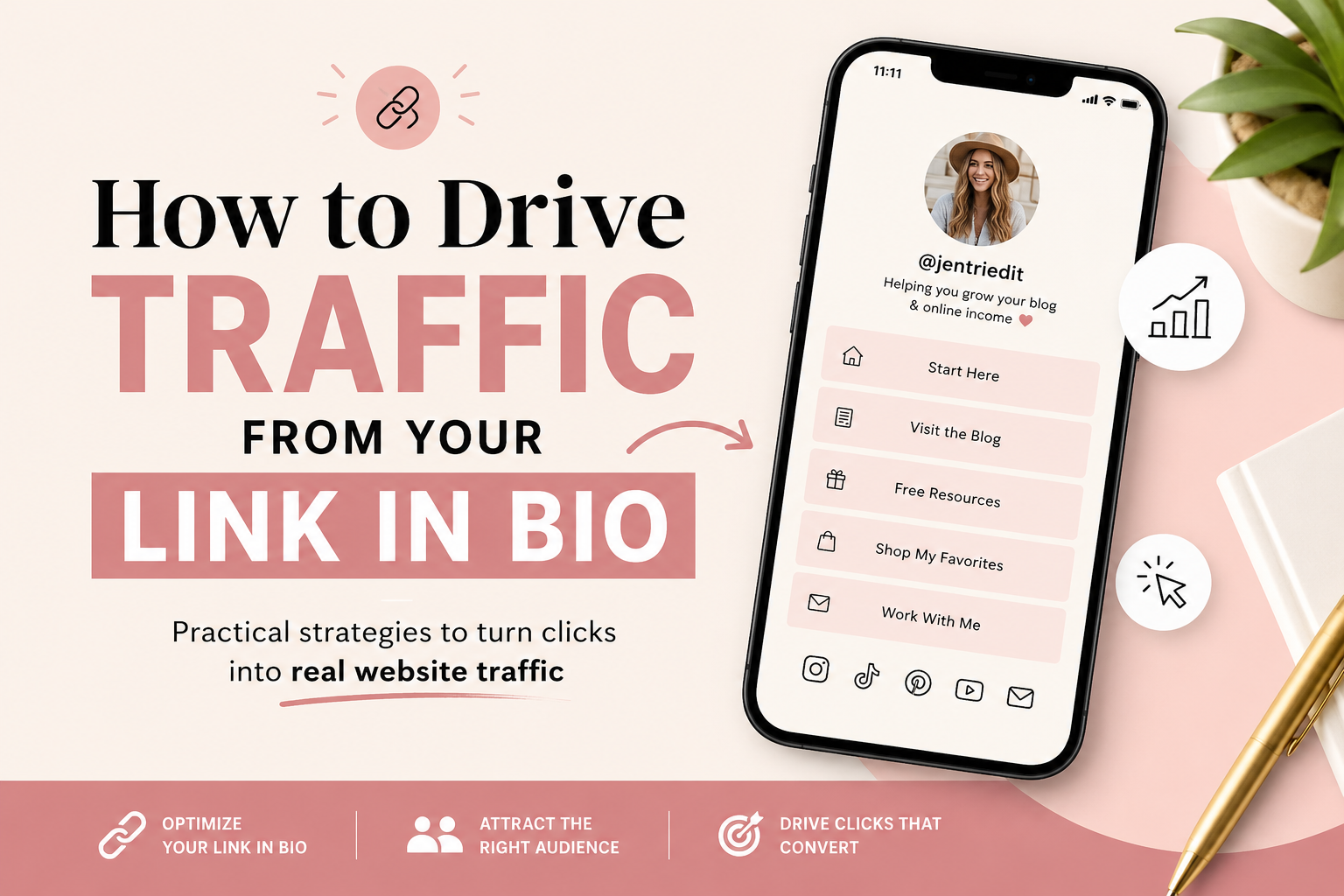
I built a tool with all of the above and made it free. It is called Build a Bio, it lives at buildabio.com, and the free tier is the product. You get a hosted bio URL plus an iframe embed you can drop on your WordPress blog so the URL your followers tap is yours.
The architectural choices for AIP creators:
- Every link on every generated bio renders as a regular HTML anchor with the destination URL. No redirect chain, no tracking domain. Amazon, Levanta, Logie, and OINK affiliate parameters arrive intact.
- Each link has a checkbox to mark it as affiliate. Checked means the rendered link gets
rel="nofollow". Off by default for non-affiliate links so you do not accidentally nofollow your own blog. - Add an Amazon storefront URL and the bio renders a dedicated card for it with the Associates disclosure line right underneath. Visible, in regular text.
- A general affiliate disclosure line lives in the footer of every bio. Any other nofollow link you add is covered too.
- Audience sections are built in. Name them whatever fits, like “For Brands”, “For Readers”, “Products I’m Testing”, or “Coupon Codes”. Each section gets its own colored bar.
Can You Put a Link in Bio on Your Own Website?
Yes. You can host the bio and embed it on your own site, and this is the part I am most excited about. When you build your bio, you get two embed options. The first is a plain iframe you can paste into any HTML block on your blog. Works on WordPress, Squarespace, Wix, Ghost, anywhere. The second is a JavaScript snippet doing the same thing and auto-resizing the iframe to fit your bio’s height as it grows.
Either way, when a follower opens your bio link from Instagram, TikTok, or Pinterest, they land on your blog. The bio is right there as part of your site. They can read your latest post, click your Amazon storefront, or open your work-with-me page. Every step counts as a visit to your domain in your analytics. Your bounce rate stays in your control. Your SEO benefits. Your audience belongs to you.

Typical Bio Tool vs Build a Bio
| What matters | Typical bio link tool | Build a Bio |
|---|---|---|
| Where your links point | Through a redirect domain first | Straight to the destination, no middleman |
| Whose domain followers land on | The tool’s domain | Yours, embeddable on your blog |
| Nofollow tag on affiliate links | Rarely, or not at all | Built in, per link |
| FTC and Amazon disclosure | Buried or missing | Built in, visible |
| Price | Varies, often paywalled | Free, Pro $9 a month or $69 a year |
How Do You Make Your Own Link in Bio Page?
Head to buildabio.com, fill out the form, pick a theme, drop in your links and socials, and you will have a hosted bio URL in under a minute. You will also get an email with the iframe embed code so you can drop it on your blog when you are ready.
The free tier caps at eight links across four sections plus four social accounts. Enough room for almost anyone starting out. If you outgrow it, Pro is $9 a month or $69 a year and opens up 50 links, 12 sections, 12 social integrations, a featured hero card, custom fonts and colors, a vanity link like buildabio.com/b/your-name, and click analytics per link. The free tier solves the three problems above on its own. Pro is for when you want more room and the data.
One tradeoff to name. Build a Bio is intentionally simple. If you want dozens of themes and drag-and-drop design blocks, a dedicated bio platform will have more knobs. This is built to load fast and keep your traffic, not to be a design playground.
Why I Built It
I built Build a Bio because I wanted it for my own bio. The version I use at jenbuiltit.com/bio is the same product. If something on it ever looks broken, or you have an idea to make it better for your workflow, email me at [email protected]. I read every reply. Feature requests from real creators are the ones I ship next.
It’s one of a few subscriptions I cancelled because I built my own.
If you want to go deeper, here is how I actually built this, and why owning your bio link changes the math for creators.
If you want more of the tools I use for the Amazon Influencer Program day to day, my recommended tools page walks through what is working right now.
What it comes down to: a bio link tool that routes every tap through its own domain costs you attribution and hands your most engaged traffic to someone else. A bio you host and embed on your own site keeps both.
Frequently asked questions
Do bio link tools hurt affiliate commissions?
Sometimes, yes. Many bio link tools route each link through a redirect domain before it reaches Amazon, and that redirect can strip the referrer and drop your associate tag on some clicks. Direct outbound links avoid it.
Can you put a link in bio on your own website?
Yes. You can host the bio on your own domain and embed it on your blog with an iframe, so the URL your followers tap belongs to you instead of a third-party platform.
Do you need an FTC disclosure on a link in bio page?
Yes. The FTC requires a clear and conspicuous affiliate disclosure on any page with affiliate links, including link-in-bio pages, and Amazon Associates needs its own qualifying-purchases line.
Is Build a Bio free?
Yes. The free tier includes 8 links, 4 sections, and 4 social integrations, which is enough for most creators starting out. Pro is $9 a month or $69 a year for more room and click analytics.
What makes Build a Bio different from a typical bio link tool?
Build a Bio uses direct outbound links and an embed that keeps traffic on your own site, instead of a redirect wrapper hosted on someone else’s domain.
A tool I built
Build a Bio
Build a branded link in bio page in about a minute, then embed it on your own blog so your clicks land on your site, not someone else’s.
Build your bio →I run an affiliate program on the tools I build. Approved affiliates earn 20% on what their referrals pay, for up to a year. US only for now. See the program →