
Affiliate Disclosure: This post contains affiliate links, which means I may earn a commission if you make a purchase through links on this site, at no extra cost to you. As an Amazon Associate I earn from qualifying purchases.
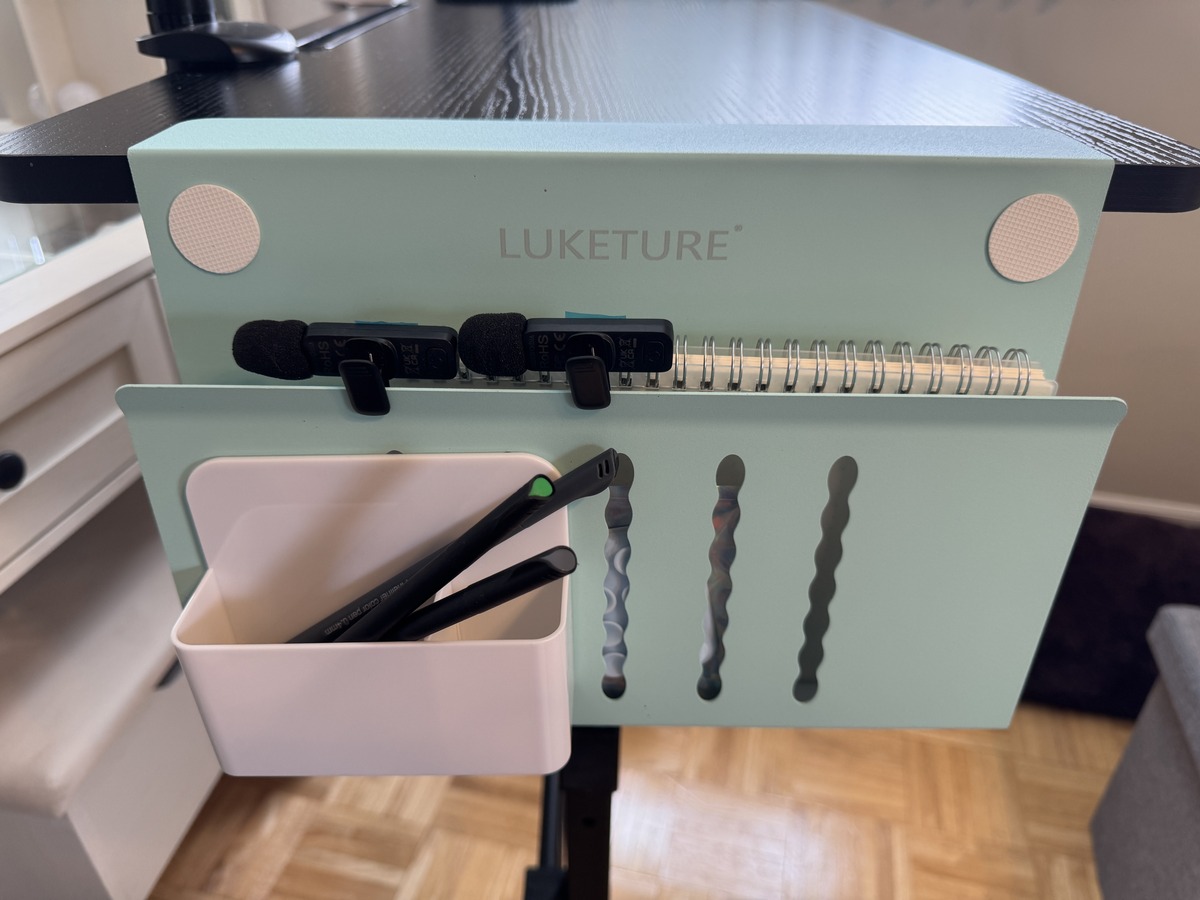
The LUKETURE clamp-on desk organizer is a steel side caddy. It clamps to any flat-edge desk in about two minutes with no tools and holds up to 22 lbs. I liked the first one enough to put a second one on the opposite side of the same desk. It moves pens, cables, and small electronics off your surface while keeping them in reach. Skip it if your desk edge is curved, beveled, or waterfall.
I had one of these on my standing desk before this review even started. The brand reached out and asked if they could send me a second one in blue, and I said yes without hesitating because I already knew how much I used the first one.
Both clamps are now on opposite sides of the same desk. That should tell you where I land on this thing before we get into anything else.
Quick Verdict
- Buy it if: you want a no-drill way to move pens, cables, small electronics, and loose notes off your desk surface and onto the side where they’re still within reach
- Skip it if: your desk has a curved, beveled, or waterfall edge since this only works on flat edges
- My favorite feature: the magnetic pen holder is stronger than I expected. It takes a real pull to remove anything attached, so nothing slides off mid-session.
- Would I buy again? Already did
Why Hang It Off the Side of the Desk?
Most organizers sit on top of your desk and take up the surface space you’re trying to reclaim. This one hangs off the side. You clamp it to the desk edge and suddenly everything that used to scatter across your workspace has a home that’s still within arm’s reach but completely out of your way. The steel build and the strong clamp are what separate this from cheaper plastic versions. Once it’s on, it doesn’t shift. I keep microphones, fine liner markers, and phone accessories in mine and nothing has loosened, tilted, or moved.
LUKETURE Steel Clamp-On Desk Side Organizer
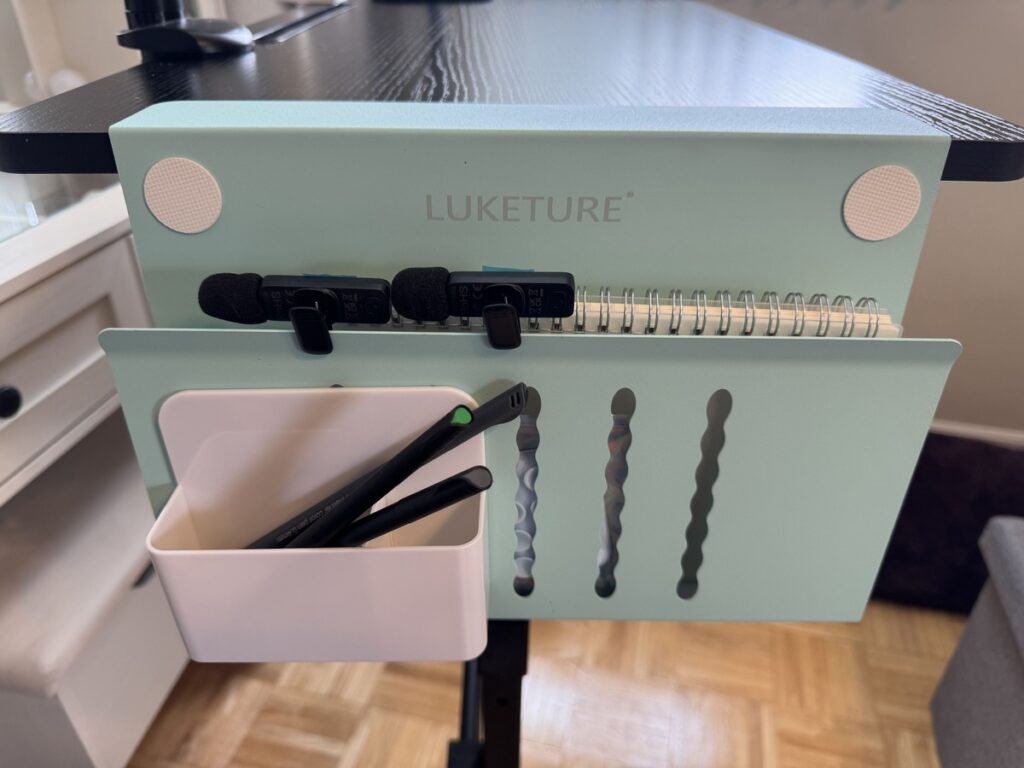
A steel clamp-on side organizer that attaches to flat-edge desks up to 2.8 inches thick in about two minutes with no tools required. Holds up to 22 lbs with anti-scratch silicone padding and a magnetic pen holder included.
LUKETURE Desk Organizer Specs
| Spec | Detail |
|---|---|
| Material | Powder-coated steel with rust-resistant finish |
| Weight capacity | 22 lbs |
| Desk thickness range | 0.3 to 2.8 inches, flat edge only |
| Minimum desk overhang required | 1.9 inches |
| Sizes available | M (1-tier) and L (2-tier) |
| Laptop compatibility | Up to approximately 15 inches |
| Surface protection | Anti-slip anti-scratch silicone pads on clamp interior |
| Installation | No tools, no drilling required |
Who Should Buy a Clamp-On Desk Organizer?
If you work from a standing desk or a flat-edge table and you’re tired of digging through the same pile of pens and cables every morning, this is the fix. It works especially well when you switch between filming, product photography, and computer work and need specific tools within reach fast without them cluttering your shot. It’s also a solid pick for students who share a small desk and need supplies accessible without eating up workspace. Two minutes to set up, nothing to drill, and it comes off cleanly when you move. If you already have a desktop bookshelf, an iMac shelf hub, or a monitor stand on your desk, this lives on the side and doesn’t compete for surface space.
How Two of Them Solved My Content Creation Desk Problem
My standing desk is where I film videos, shoot product photos, and run the day-to-day of everything I’ve going on. I need scissors, a box cutter, fine liner markers, small microphones, a hair tie, and phone accessories within reach fast. Before the LUKETURE organizers those things were either scattered across the surface or in a drawer I had to open every single time.
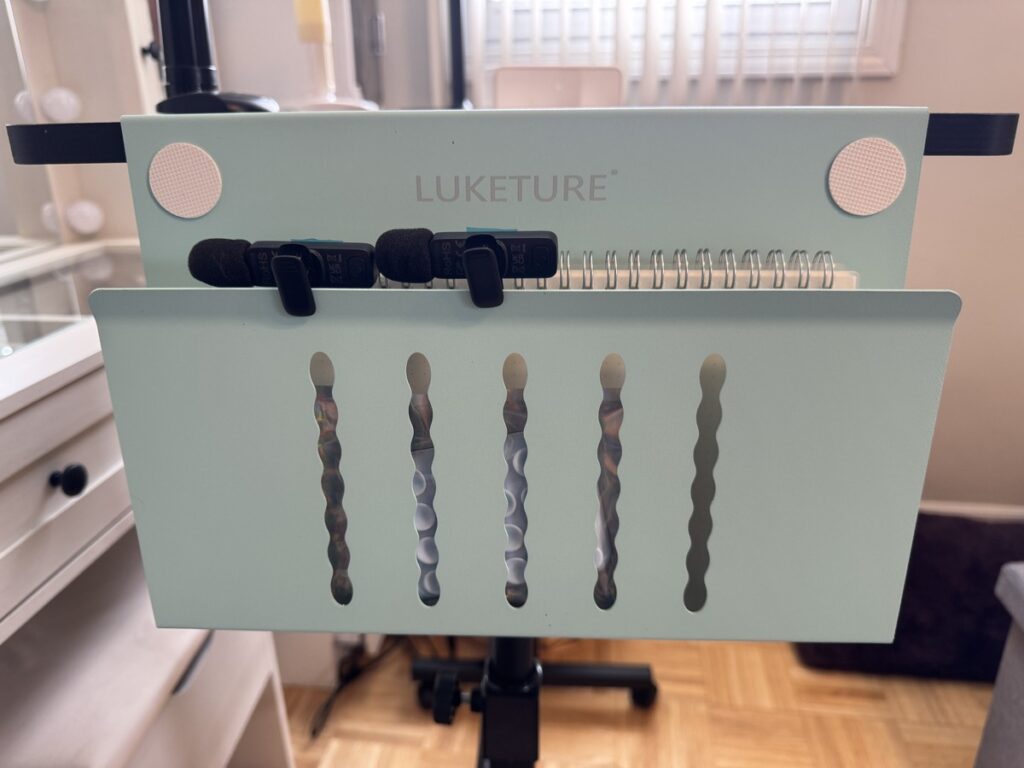
Now one clamp holds the everyday grab items on the left, and the blue one they sent me holds the microphones and extra markers on the right. Everything I need for a shoot is clipped to the desk. I haven’t gone looking for a misplaced microphone since I set it up.
Which LUKETURE Features Made the Biggest Difference?
- Magnetic panel strength: The magnetic surface grips accessories firmly and releases intentionally, not accidentally. You feel real resistance when you pull something off, which means it stays put between uses.
- Heat dissipation holes: The steel body has ventilation built in so if you store a charging laptop inside, heat can escape instead of building up. Useful detail if you leave a device plugged in while stored.
- Wide clamp range: The 0.3 to 2.8 inch range covers almost every standard desk. My standing desk has a thick frame and the clamp seated on it without any fiddling.
- Anti-scratch silicone interior: The parts that contact your desk are padded with silicone. I’ve had the first one on my desk for a while and there’s no marking, no indentation, nothing on the finish.
Pros
- Clamps on in about two minutes with zero tools
- Steel build feels solid and doesn’t flex under a real load
- Magnetic holder grips firmly and releases on purpose, not by accident
- Frees up meaningful desk surface without moving anything to a shelf
- Silicone pads protect the desk edge completely
- Magnetic panel accepts third-party accessories like cable holders and USB hubs
Cons
- Only works on flat-edge desks, curved or waterfall edges are a hard no
- Needs at least 1.9 inches of desk overhang for the clamp clips to seat correctly
- Very large or heavy gaming laptops may push the 22 lb limit depending on what else you have in it
Common Questions About Clamp-On Desk Organizers
Will this work on a standing desk?
Yes. I use both of mine on a standing desk. As long as the edge is flat and meets the 1.9 inch overhang minimum it clamps on the same way at any height.
Will the clamp scratch or dent my desk?
No, not in my experience. The interior is lined with anti-scratch silicone pads and the finish underneath my first one is completely unmarked.
Can it actually hold a laptop?
It holds up to 22 lbs so most standard laptops fit fine. The L size gives the most clearance. Check the weight on a heavy gaming laptop before counting on it.
Does it work on glass desks?
According to the specs yes, it’s compatible with wood, glass, and stainless steel surfaces. I’ve only tested it on a laminate standing desk so measure your edge and confirm it’s flat before ordering for glass.
M size or L size for everyday accessories?
If you’re storing pens, cables, small electronics, and notes, M handles it. Go with L if you want to store a full laptop plus additional items.
Similar Options If This Doesn’t Fit Your Setup
I’ve only used the LUKETURE clamp-on, so the other two are described from their listings. Both link to Amazon.
| Option | How it mounts | Trade-off |
|---|---|---|
| LUKETURE Steel Clamp-On | Clamps to a flat desk edge, 0.3 to 2.8 inches thick | Needs a flat edge and 1.9 inches of overhang |
| Mount-It! Mesh Metal Monitor Stand | Sits on the desk as a riser with a pull-out drawer and a side pocket | Uses the surface space you’re trying to reclaim, and the pockets are shallower |
| Vari Steel Under Desk Drawer | Screws to the underside of the desktop | Frees the surface but you cannot see what’s in it |
Would I Buy a Third LUKETURE Desk Organizer?
Yes. I already owned one before this review started and immediately found a use for the second one on the same desk. It solved a real problem. I used to lose small tools constantly and now I know exactly where every microphone, marker, and cable is because they’re clipped to the desk where I’m already standing. If your desk has a flat edge and you’re tired of hunting for the same five things every day, measure your overhang and order one.
Where To Buy
A tool I built
Energy Battery
Log your energy through the day and watch your battery fill, so you can see what actually charges you and what drains you.
Find your spark →I run an affiliate program on the tools I build. Approved affiliates earn 20% on what their referrals pay, for up to a year. US only for now. See the program →